Tech Stack: HTML, CSS, JavaScript
Live Demo: https://weather-appng.vercel.app/
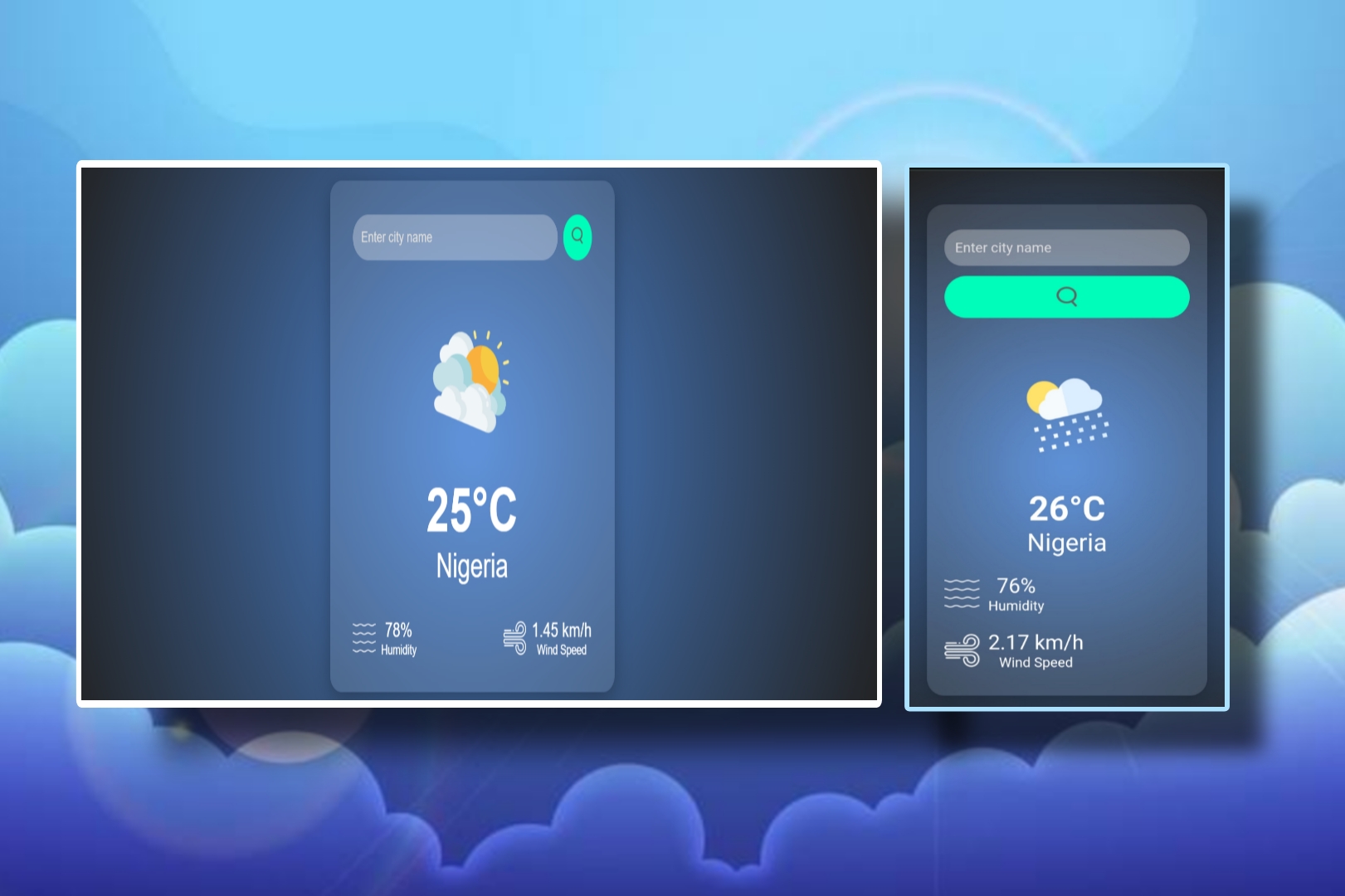
The Weather App is a sleek and interactive web application designed to provide users with real-time weather updates for any city around the world. It features a clean and modern UI, ensuring a smooth and engaging user experience across both desktop and mobile devices.
Users can simply enter a city name in the search field, and the app fetches live weather data using an API, dynamically updating the temperature, humidity, wind speed, and weather condition icons accordingly.
💡 Key Features
-
Real-time weather updates: Displays accurate data for temperature, humidity, and wind speed.
-
Search functionality: Users can check the weather for any city globally.
-
Error handling: Displays a friendly error message for invalid city inputs.
-
Responsive layout: Works seamlessly across all screen sizes.
-
Dynamic visuals: Weather icons automatically adjust to match the current condition (rain, clouds, sun, etc.).
🎯 Purpose and Concept
The Weather App was built to demonstrate my ability to integrate front-end design with live API data, showcasing how interactive web applications can provide meaningful, real-world information in a visually appealing way.
It reflects my understanding of DOM manipulation, API integration, and responsive UI design — skills essential for modern front-end development.
🔧 What I Learned
-
Fetching and parsing API data in JavaScript
-
Handling errors and user input validation
-
Designing an intuitive, mobile-first interface with pure CSS
-
Managing real-time data updates in a clean and efficient way
🚀 Future Enhancements
-
Add geolocation support to automatically detect the user’s city.
-
Include 7-day forecasts and weather trends.
-
Integrate background animations that change dynamically based on weather conditions.